Automatic Collision Detection
Purpose
The Automatic Collision Detection feature identifies intersections between machine components, workpiece geometry, and fixtures during manual operations in the 3D Viewer.
The feature operates continuously during machine interaction and provides immediate visual feedback when collisions occur.
Collision detection is available during:
- manual machine joint interaction
- point selection in the NC Editor
- point selection in the 3D Viewer
- position changes triggered by editing NC points
The detection mechanism runs automatically and does not require full program simulation or validation.
System Behavior
When the machine reaches or moves toward a selected position, the system performs a collision check between:
- machine components
- the active tool
- the workpiece
- fixture geometry
If a collision is detected:
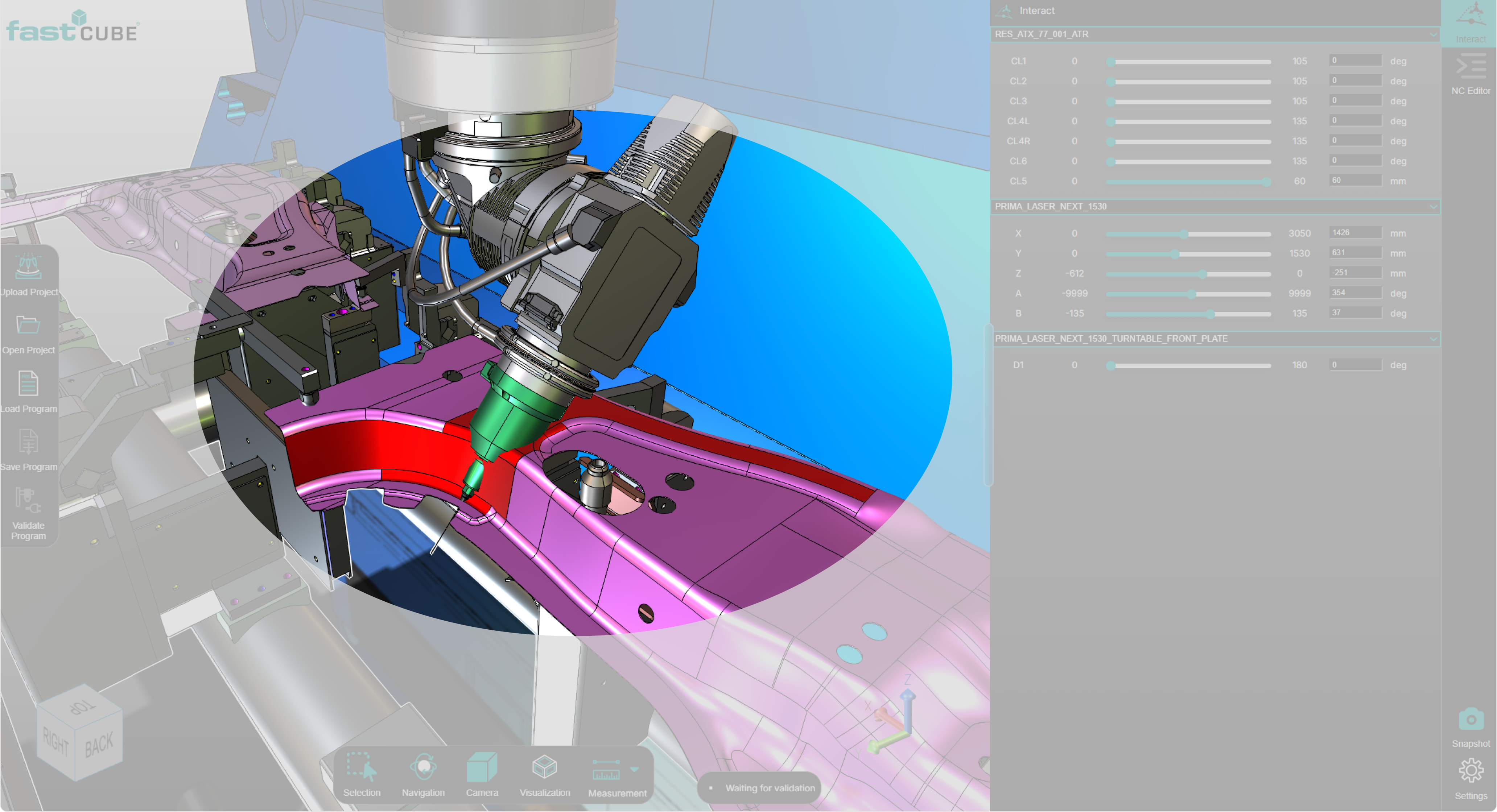
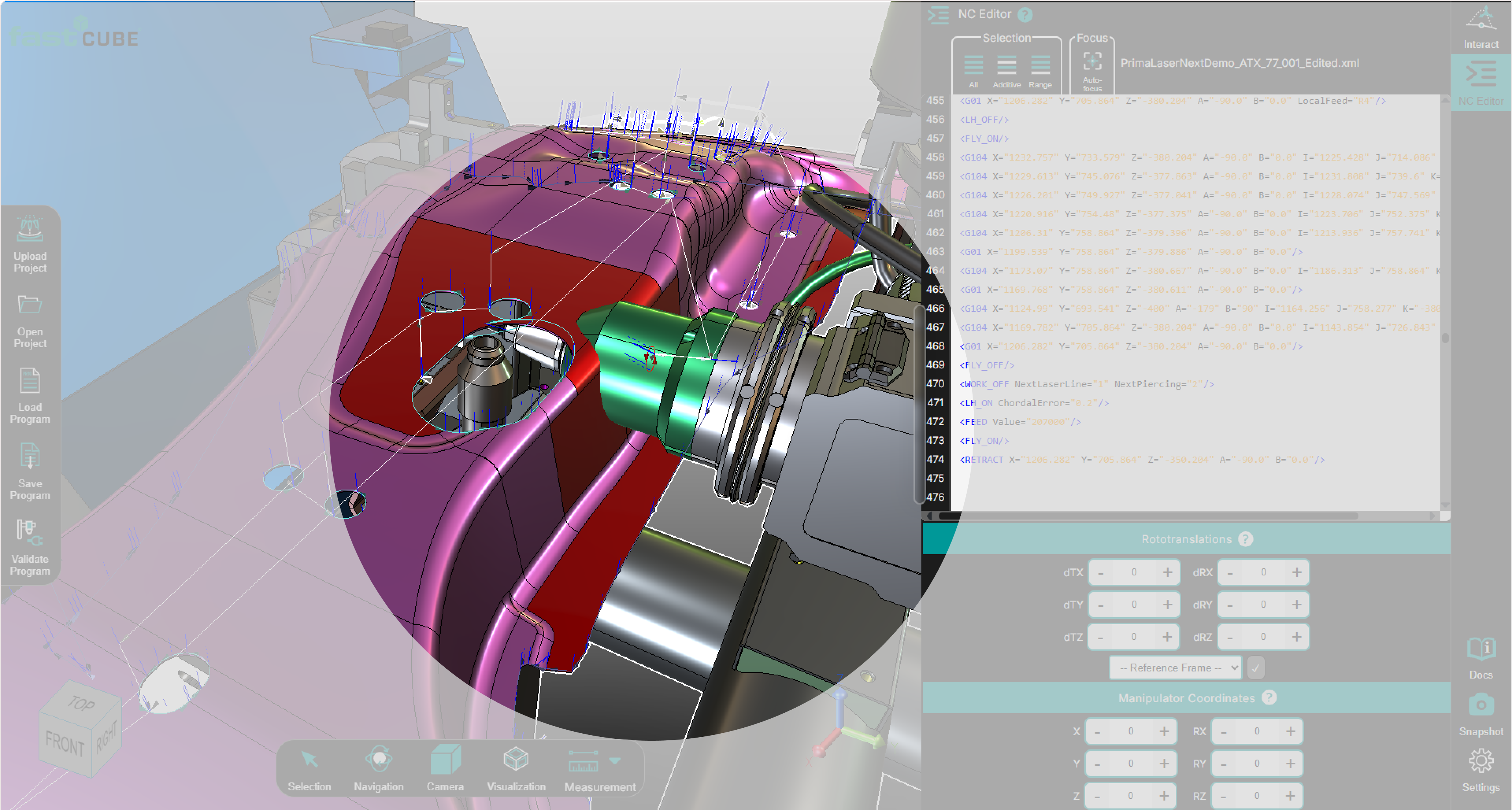
- the intersecting bodies are highlighted
- colored overlays appear on the collision surfaces
- the user can immediately inspect the collision area in the 3D Viewer
Procedure
Step 1 — Select a Machine Position
Collision detection is triggered when the machine position changes.
A position can be selected by:
- selecting a motion line in the NC Editor (for example
G01orG104) - selecting a point directly in the 3D Viewer
- adjusting machine axes using the Interact Panel
Step 2 — Machine Moves to the Selected Position
The machine model is automatically positioned according to the selected coordinates or joint configuration.
Step 3 — Collision Check
The system performs an automatic collision check and updates the 3D Viewer.
If an intersection is detected:
- collision areas are highlighted
- the user can rotate and zoom the scene to inspect the contact region
Notes for Operators
- Collision detection is intended for interactive inspection and safety verification.
- The feature runs without executing the full NC program.
- Use the Interact Panel to manually move machine joints and test potential collision scenarios.
- The 3D Viewer remains fully interactive, allowing detailed inspection of collision areas.