Single-Point Correction Workflow
This workflow describes how to correct the position of a single motion point in the NC program.
It uses the following features:
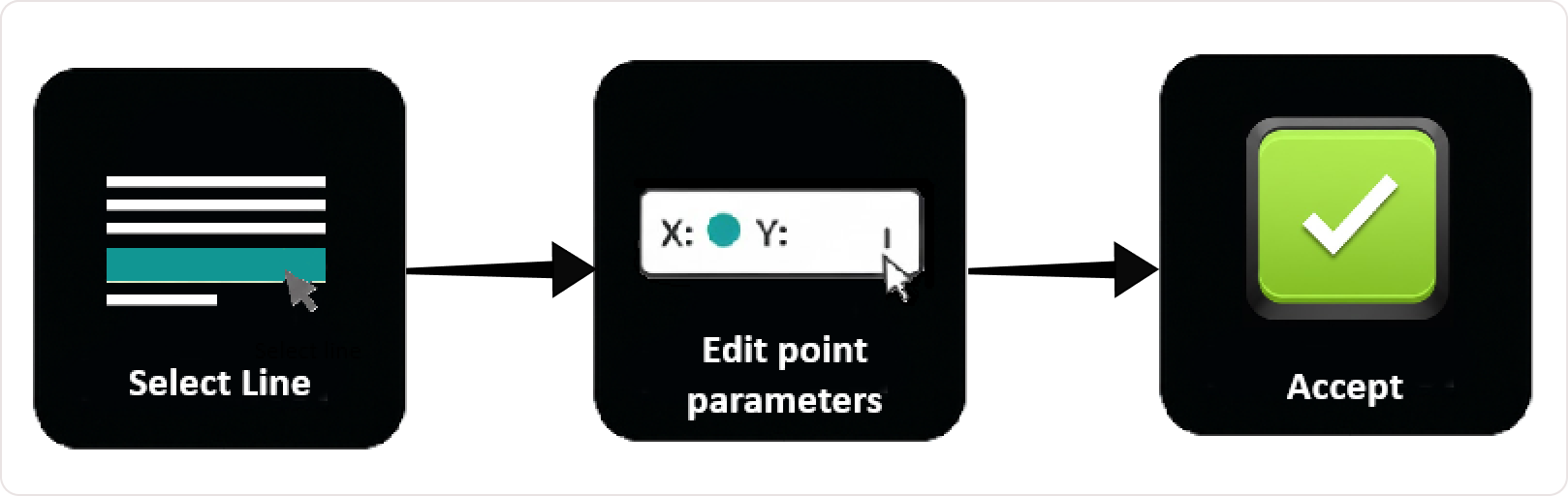
Step 1 — Select the Motion Point
Select the point either:
- from the NC Editor, or
- directly from the 3D Viewer
The machine moves to the selected position and the Manipulator appears.
Step 2 — Inspect the Tool Position
Rotate and zoom the 3D Viewer to verify:
- tool position
- orientation
- clearance from nearby geometry
This helps identify the correction required.
Step 3 — Apply the Correction
Use either method:
Line-by-Line Editing
or
Rototranslation Panel with Preview
to modify the coordinates.
Press Accept to apply the change.
Step 4 — Verify the Result
Inspect the updated toolpath in the 3D Viewer.
Confirm that:
- the point moved to the intended position
- no collisions occur
- the trajectory remains correct
Notes for Operators
- Use single-point correction for precise adjustments.
- Always verify the result in the 3D Viewer.
- If the result is incorrect, adjust the values and apply the correction again.
Was this page helpful?